0
0



- Home
- Products
- Cutting Room Solutions
- Digital Solutions
- SPro Projection System


Digital Solutions
SPro Projection System
- Features
- Cut-File Projection
- EagleAi® Defect Projection
- Fabric-Surface Display
- Visual Comparison
- Marker Reference
- SPro Integration
Description
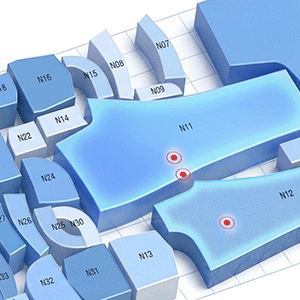
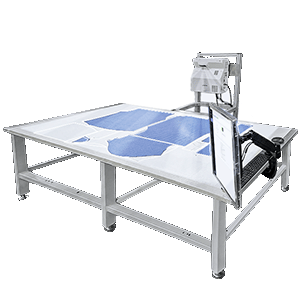
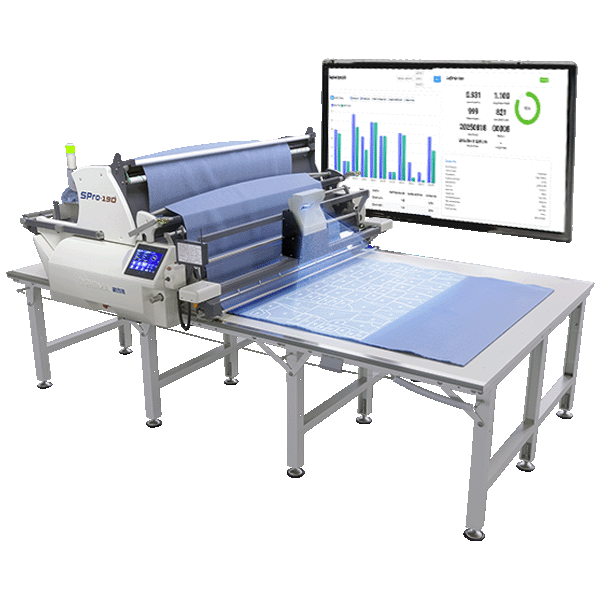
SPro Projection System brings digital information directly to the spreading area. The system can project cut-file information onto the actual fabric surface, allowing operators to view pattern and marker positions as a visual reference during spreading.
When the factory is also equipped with the EagleAi® Smart Inspection System, recorded fabric-defect locations can be used as an additional data source. These defect locations can be projected onto the corresponding fabric area for operators to view directly during spreading.
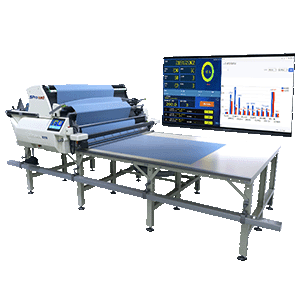
Designed for use with SPro spreading equipment, SPro Projection can be used with cut-file projection on its own. When combined with EagleAi®, inspection data can also be brought forward from fabric inspection to the spreading stage.

How SPro Projection Is Used
Use cut-file information for pattern and marker reference. When EagleAi® inspection data is available, recorded defect locations can also be used.
EagleAi® defect data requires the EagleAi® Smart Inspection System.SPro Projection displays the selected cut-file information or recorded defect locations directly on the spreading area.
Operators can see the projected information directly on the fabric and use it as a visual reference while spreading.